JPHEG / ANDROID · PHOTO UTILITY
JPHEG
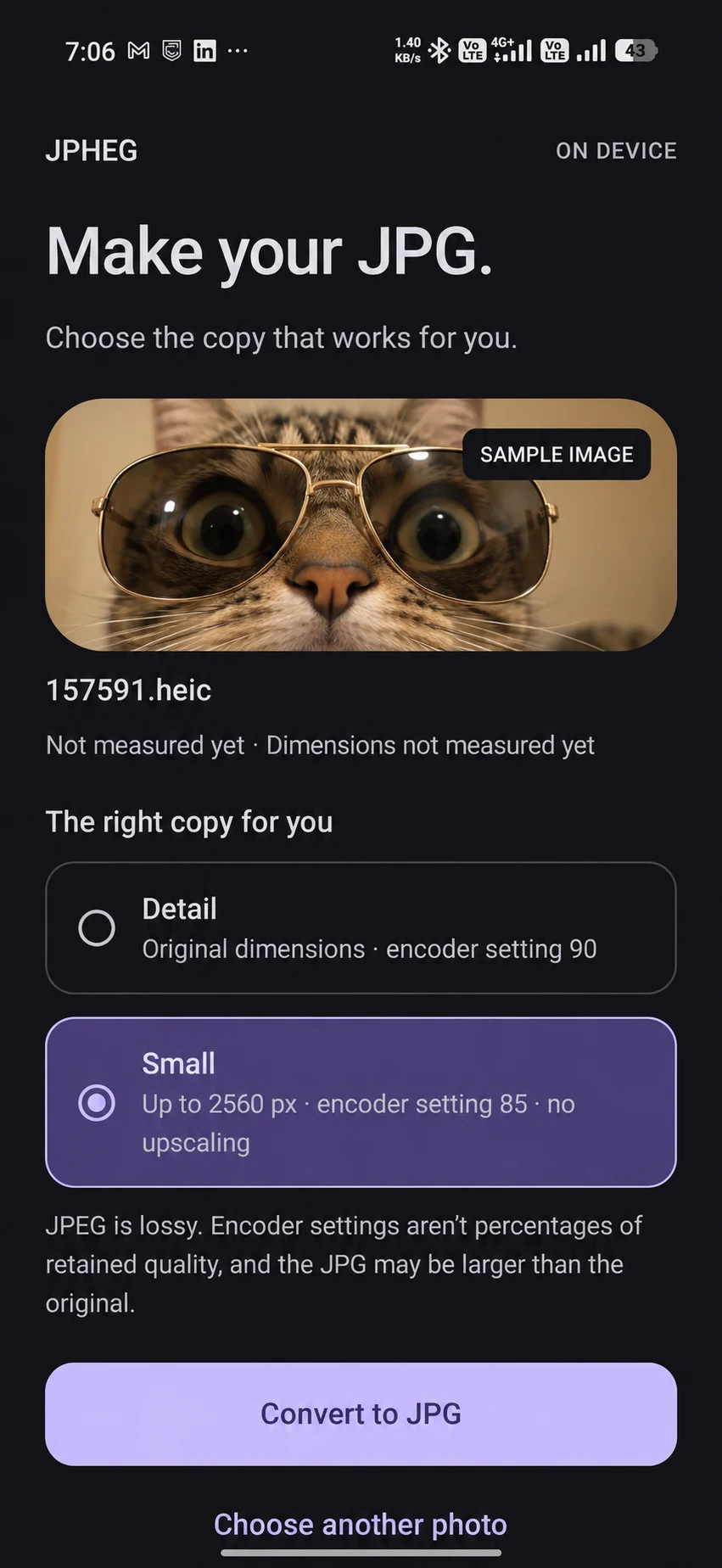
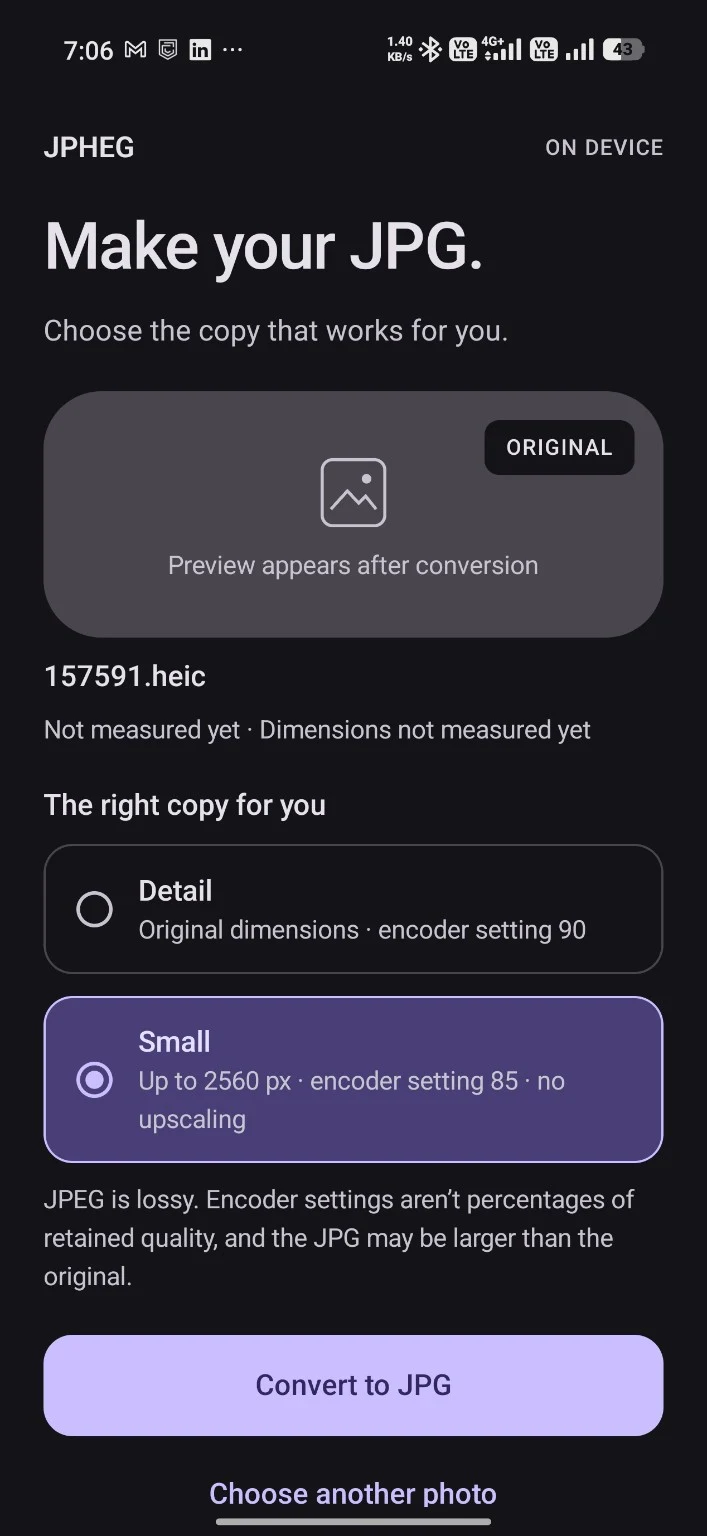
A phone utility for the moment an upload form rejects a HEIC image. Choose a photo and output size, then compare the JPEG before saving or sharing it.
Some upload forms would only accept a JPEG.
A HEIC photo can be fine while an upload form still asks for a JPEG. The job is small but concrete: make a compatible copy on the phone without losing the original image.
I can check the new file before saving or sharing it.
JPHEG offers two output sizes, then shows the new JPEG beside its file size and dimensions before I save or share it.
I kept the conversion small and left the original photo alone.
I designed the job as a small, reversible conversion: choose one photo, pick an output size, then save or share the JPEG.
The original photo stays unchanged.
The JPEG is saved as a separate copy, so the original photo stays unchanged.
I can choose more detail or a smaller file.
The interface offers a detail preset and a smaller output preset. Those are different uses: retaining more of the image, or making a lighter file to share. The choice belongs before conversion.
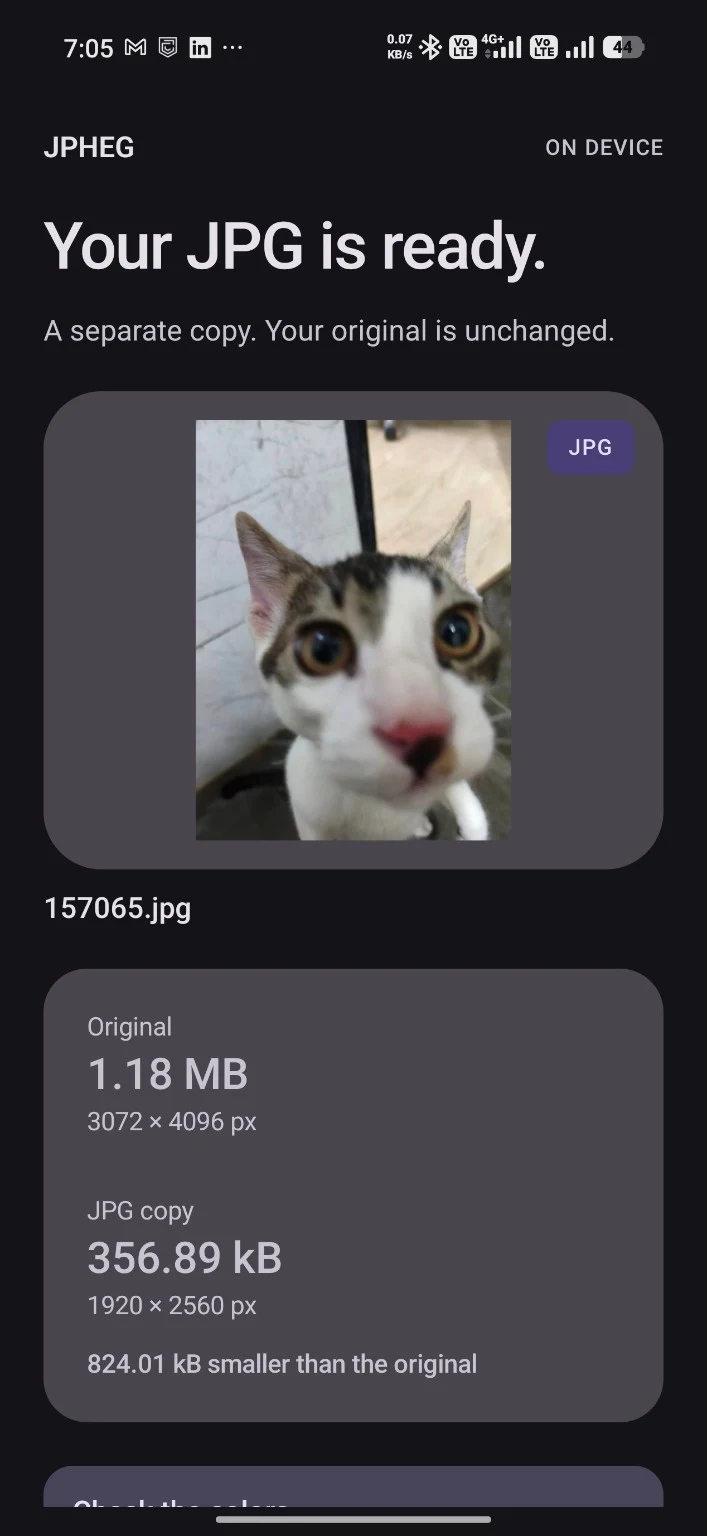
The result shows both file sizes and image dimensions.
The result screen puts the original and JPEG file sizes and dimensions together, so I can compare them before saving or sharing.
IN PRACTICE
Where you can use it and how I built it.
Where it can help
- Make a JPEG copy for an upload that does not accept HEIC.
- Choose a smaller image before sharing.
- Compare the original and output dimensions before saving.
Built with
 Kotlin
 Jetpack Compose
 Android
- Kotlin / Jetpack Compose
- Single-photo selection, presets and result review.
- Android ImageDecoder / Bitmap
- Platform image decoding and JPEG output.
- ViewModel / sharing provider
- Conversion state and read-only access to the result for sharing or saving.
The flow handles one photo at a time.